Network Configuration
Quectel Pi M1 Weston 桌面环境支持通过以太网和无线网络进行网络连接。
系统网络管理主要通过 NetworkManager 服务完成,用户可以使用命令行工具 nmcli 对网络进行配置和状态查询。
支持的网络接口包括:
RJ45 以太网接口
WiFi 无线网络接口
网络接口
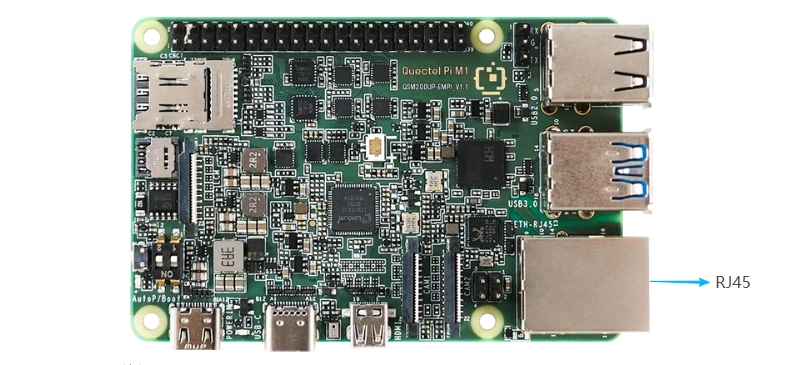
Ethernet Configuration
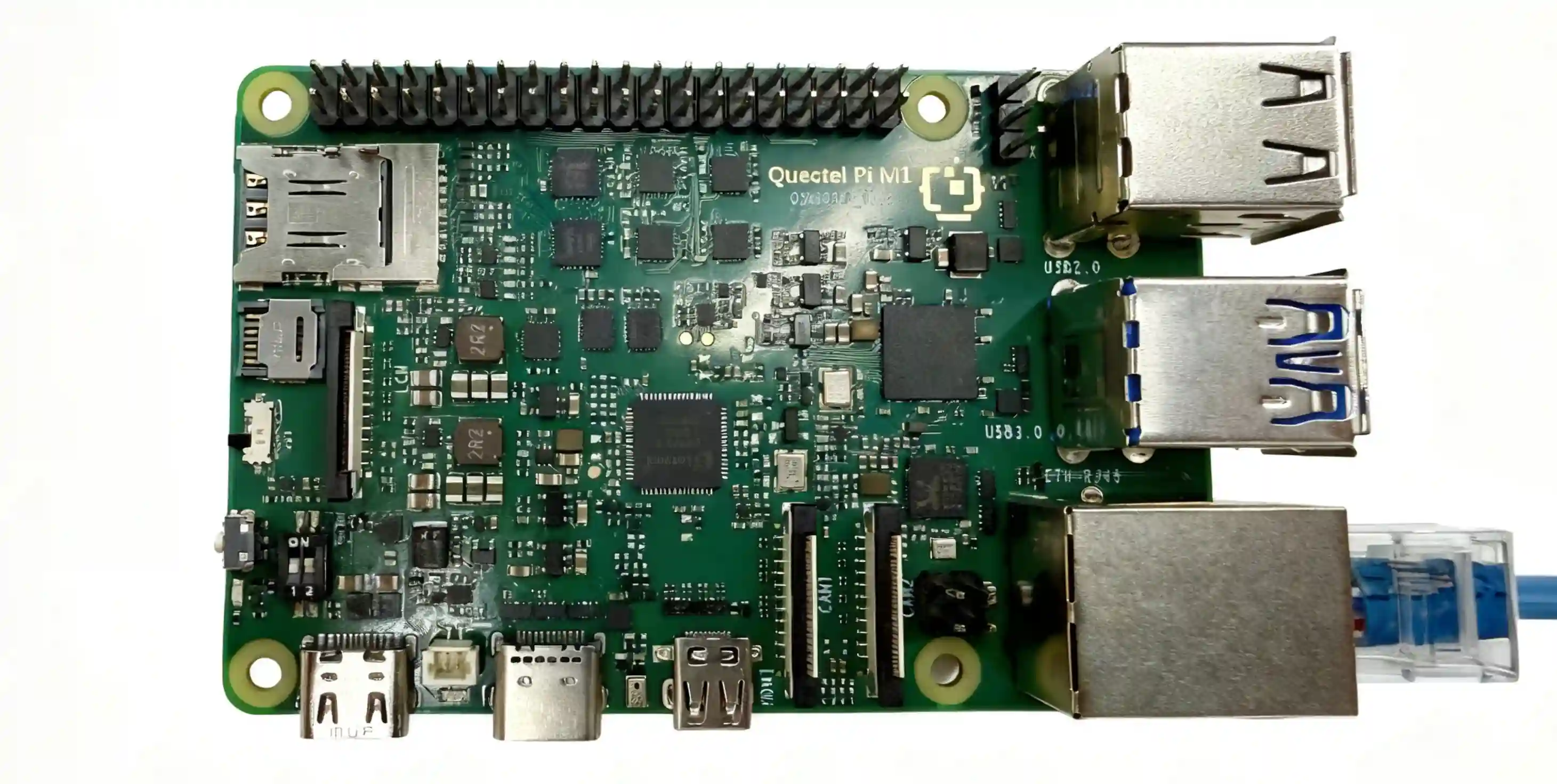
Hardware Connection
The Quectel Pi M1 provides an onboard RJ45 Ethernet interface. An example connection is shown below:
View Network Interfaces
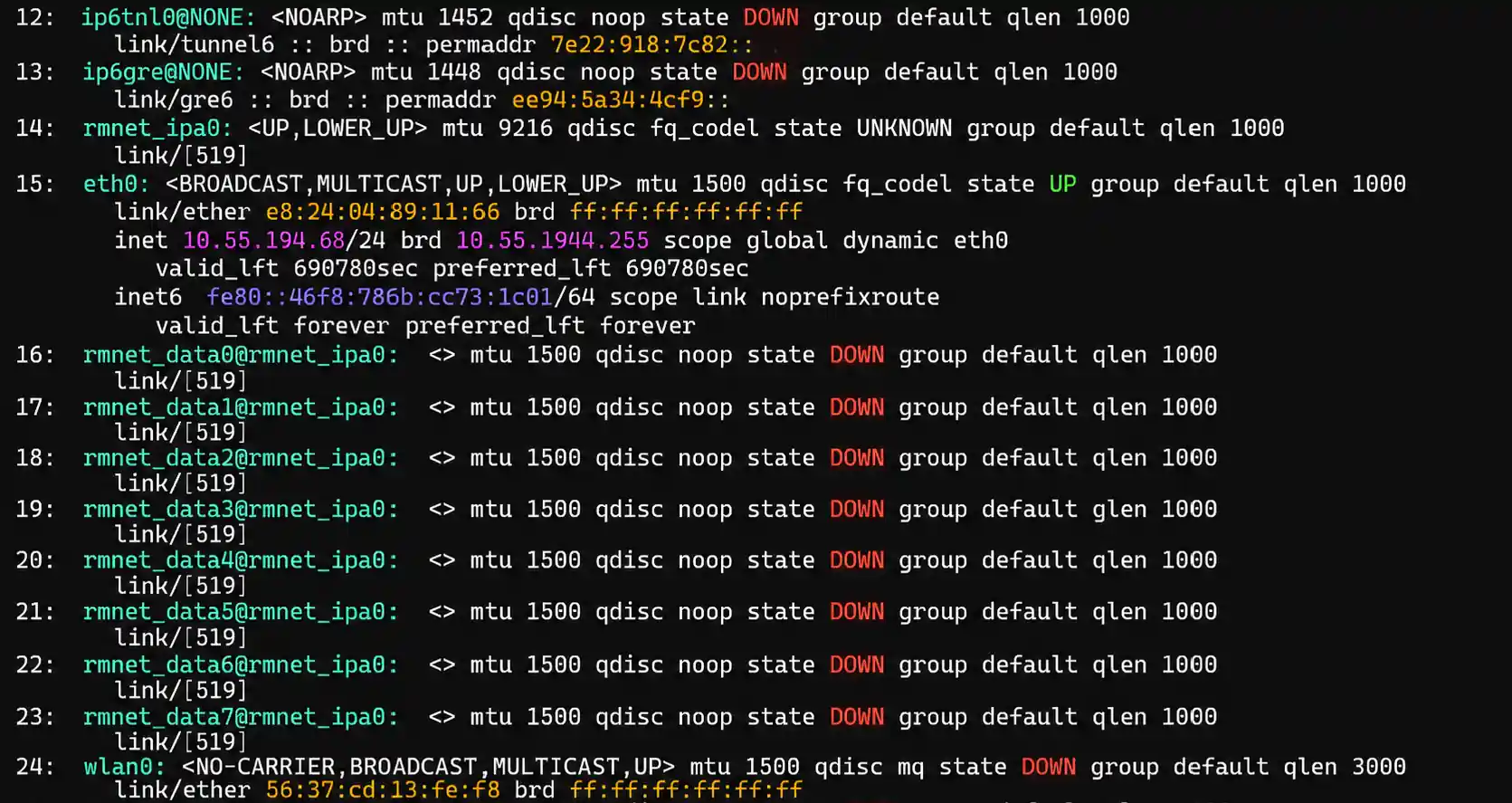
After entering the Weston desktop, click the square icon in the upper-left corner to open the Wayland Terminal, and then check the current system network interfaces:
ip addr
Obtain the IP Address
Check the current IP address:
ip addr show eth0

Wireless Network Configuration
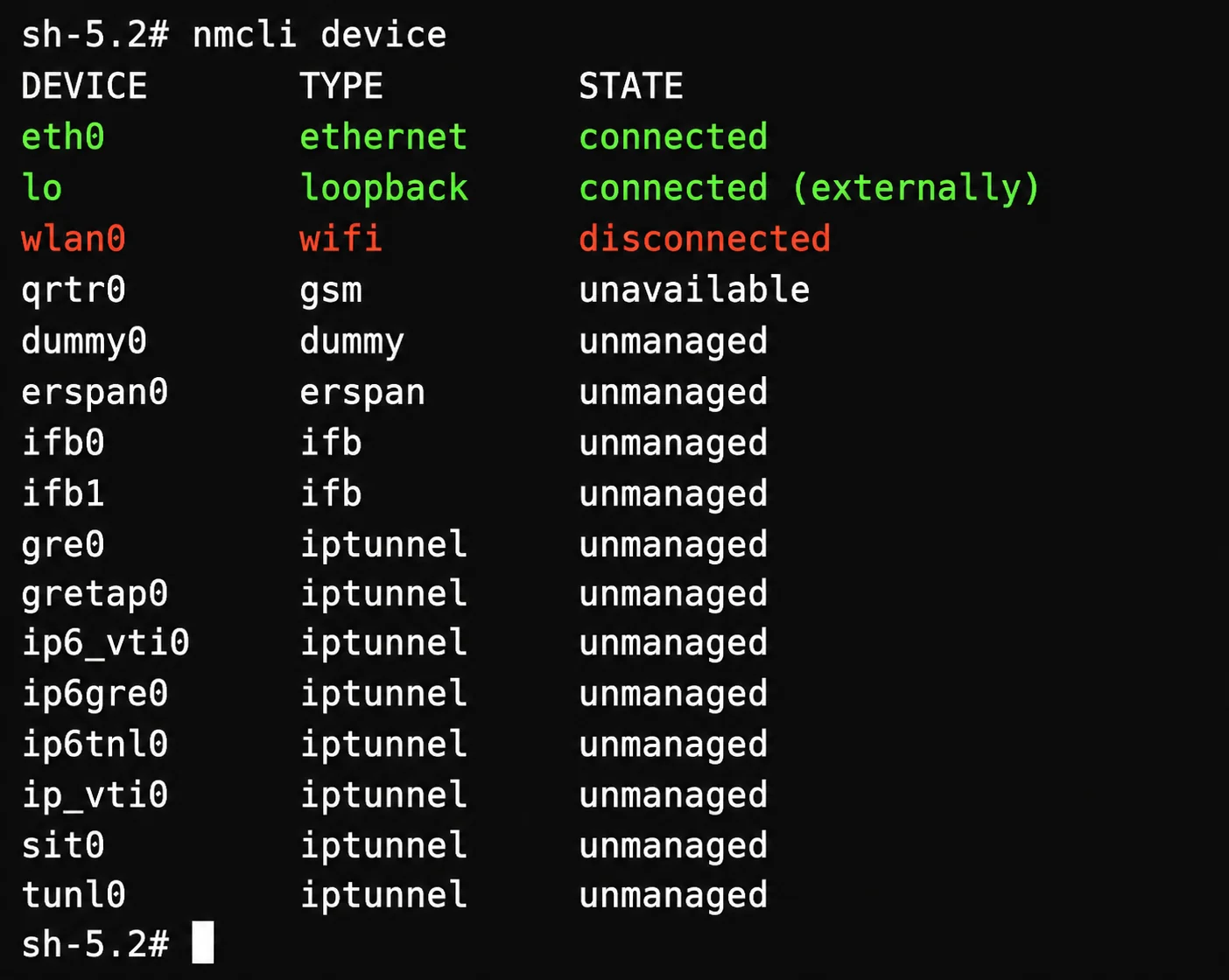
View Wireless Devices
nmcli device
Scan for Wi-Fi Networks
nmcli device wifi list
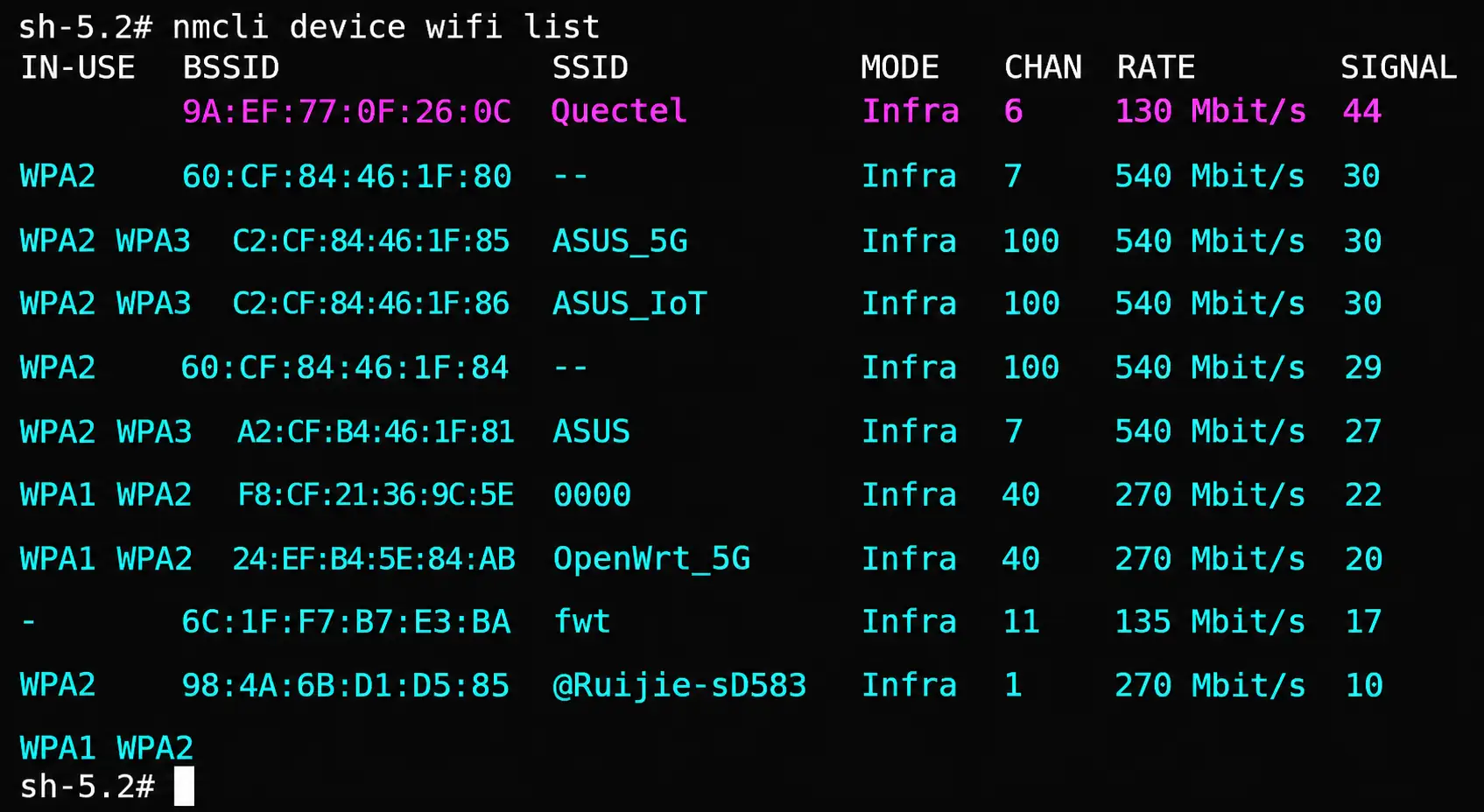
Connect to Wi-Fi
nmcli device wifi connect <SSID> password <PASSWORD>
Example:
nmcli device wifi connect Quectel password 12345678
Check Wi-Fi Connection Status
nmcli device status
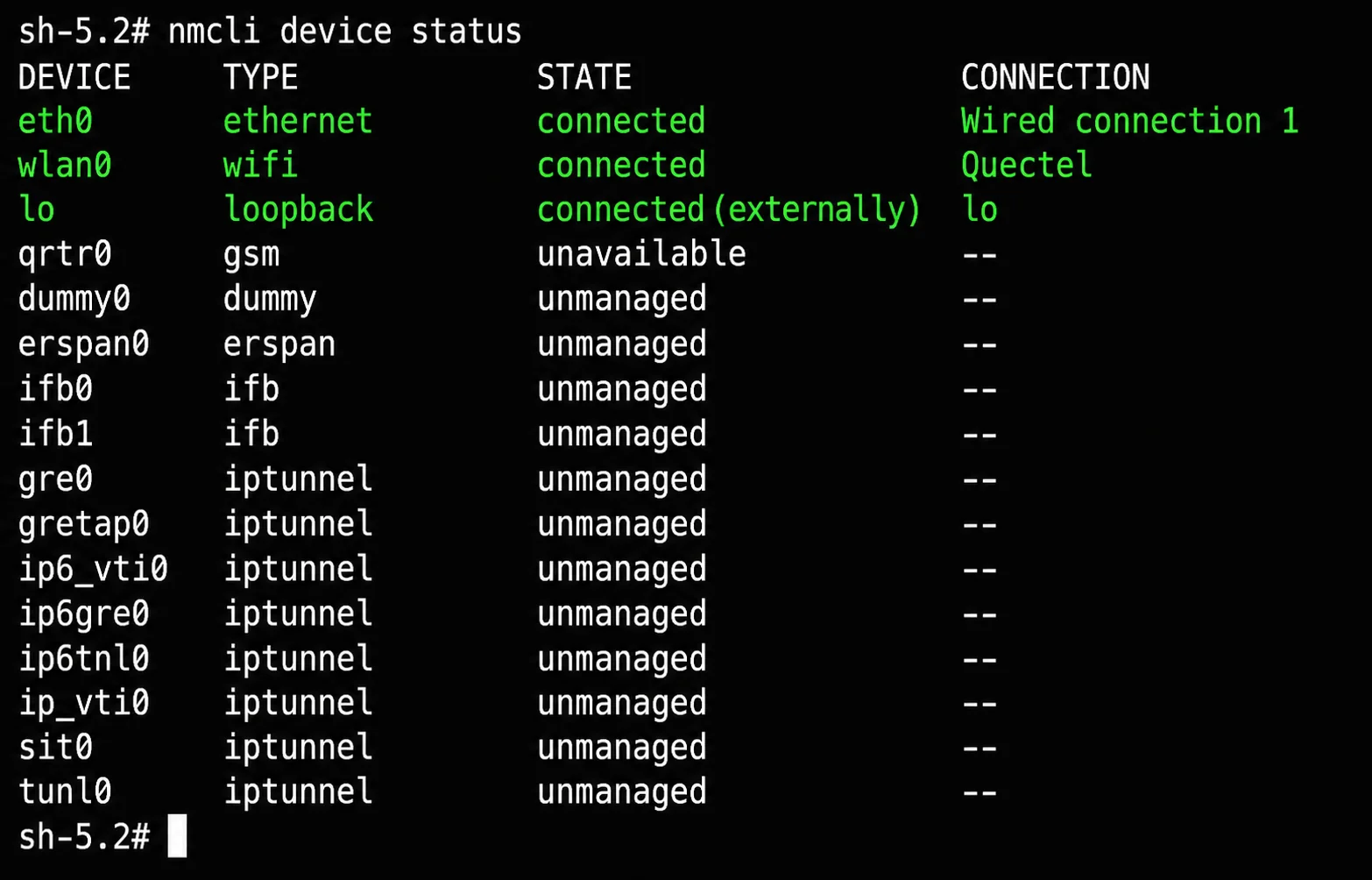
The result shows that wlan0 is in the connected state, indicating that the device has successfully connected to the Quectel Wi-Fi network.
USB Network
To use a USB network connection, prepare a USB Ethernet adapter. Connect the adapter to the device, and then connect an Ethernet cable to the adapter’s RJ45 port. For subsequent configuration, refer to the Ethernet configuration described above.